






image
image

Some awesome words about Rifd.

  • Rifd is a tradition, it is one of the oldest traditions in the Arab culture of gifting your loved ones all they could need or desire in all occasions.
  • Rifd enables hundreds of thousands of users to create a centralized Rifd Lists for weddings, baby showers, birthdays, graduations, housewarmings, holidays, and a variety of other occasions.
  • Rifd offers its users an app that is easy to navigate and can offer them the best journey when creating, finding, or sharing a Rifd List.
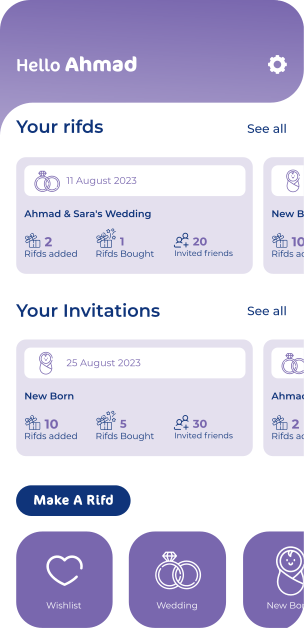
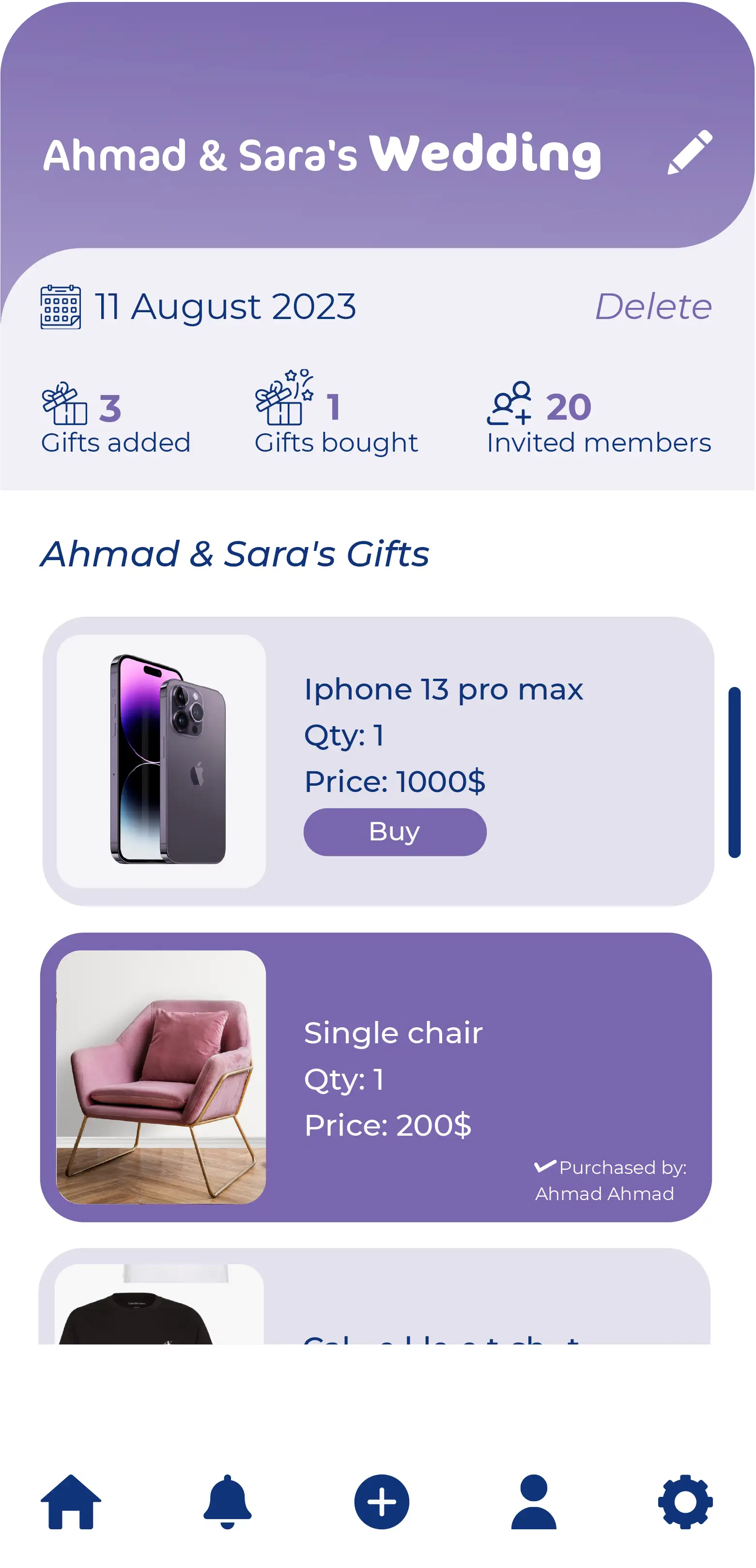
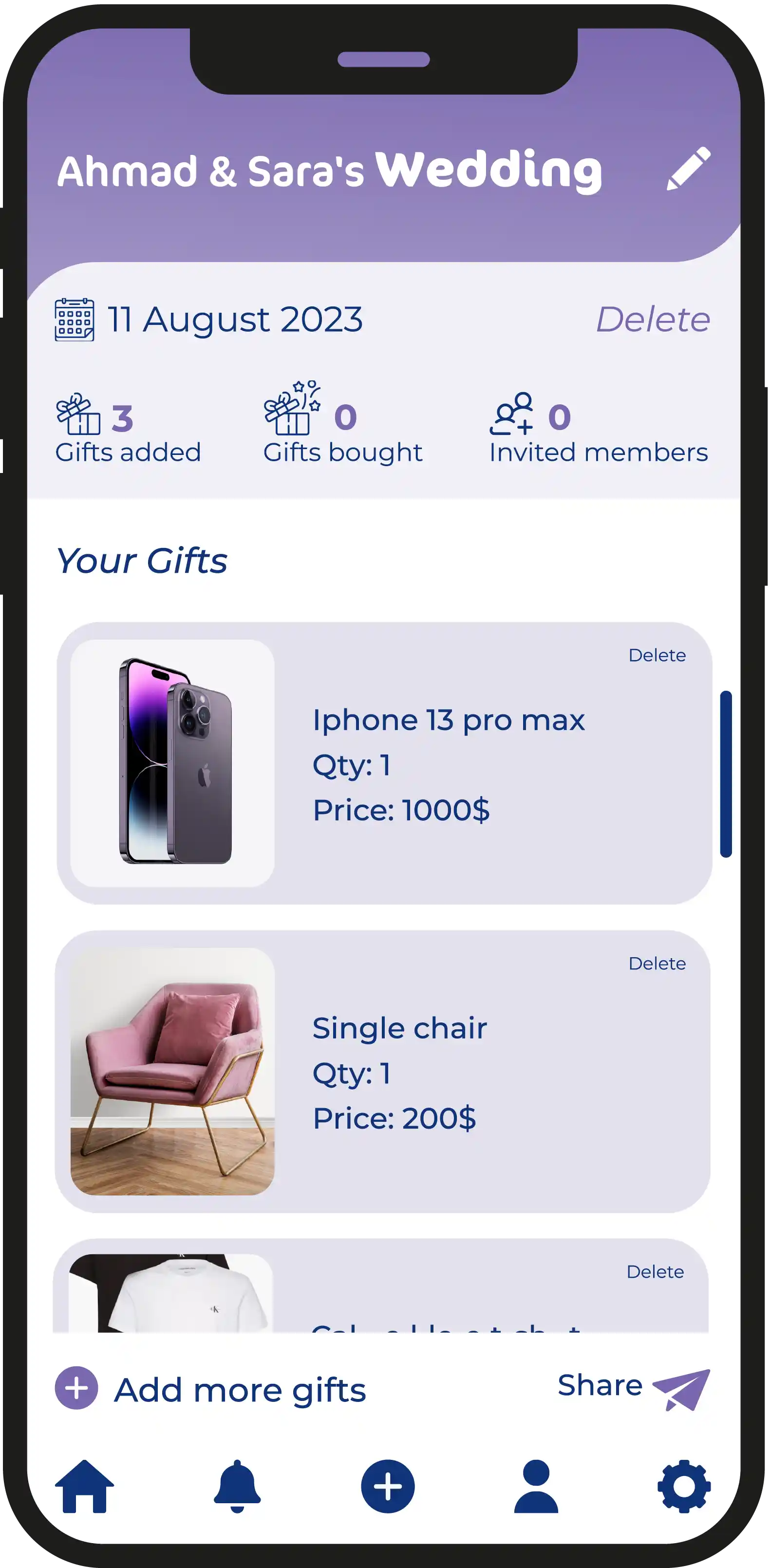
  • A recipient compiles a list of items they wish to receive and share it with family and friends, the list can be made either public or private. The gift giver can go through the recipient’s list and our system will automatically remove items from the Rifd List as they are purchased.

Why Rifd is different!

  • Rifd provides its users an unforgettable journey by adding their own Wishlist and share it with their family and friends.
  • Rifd Lists allows the users to create their own gift lists from any store for any occasion and then share it with others. People who will receive access to these Rifd lists will never make the mistake of getting an undesired gift.
  • Rifd Guides are there to make the gifting journey even better by recommending online stores or gifts that are suitable for any occasion.
  • Rifd offers you a verity of options for any occasion, any store in the world is in the palm of your hand. This easy access is what makes Rifd the ideal application for its users.
  • Rifd is available in two languages: English & Arabic.
  • 0M+

    Download

  • 0 M+

    Followers

  • 1500+

    Reviews

  • 1500+

    Gifts

How it works - Quick & Easy 5 Steps

  • Download Rifd App

    Download App either for IOS or Android

    01

    image
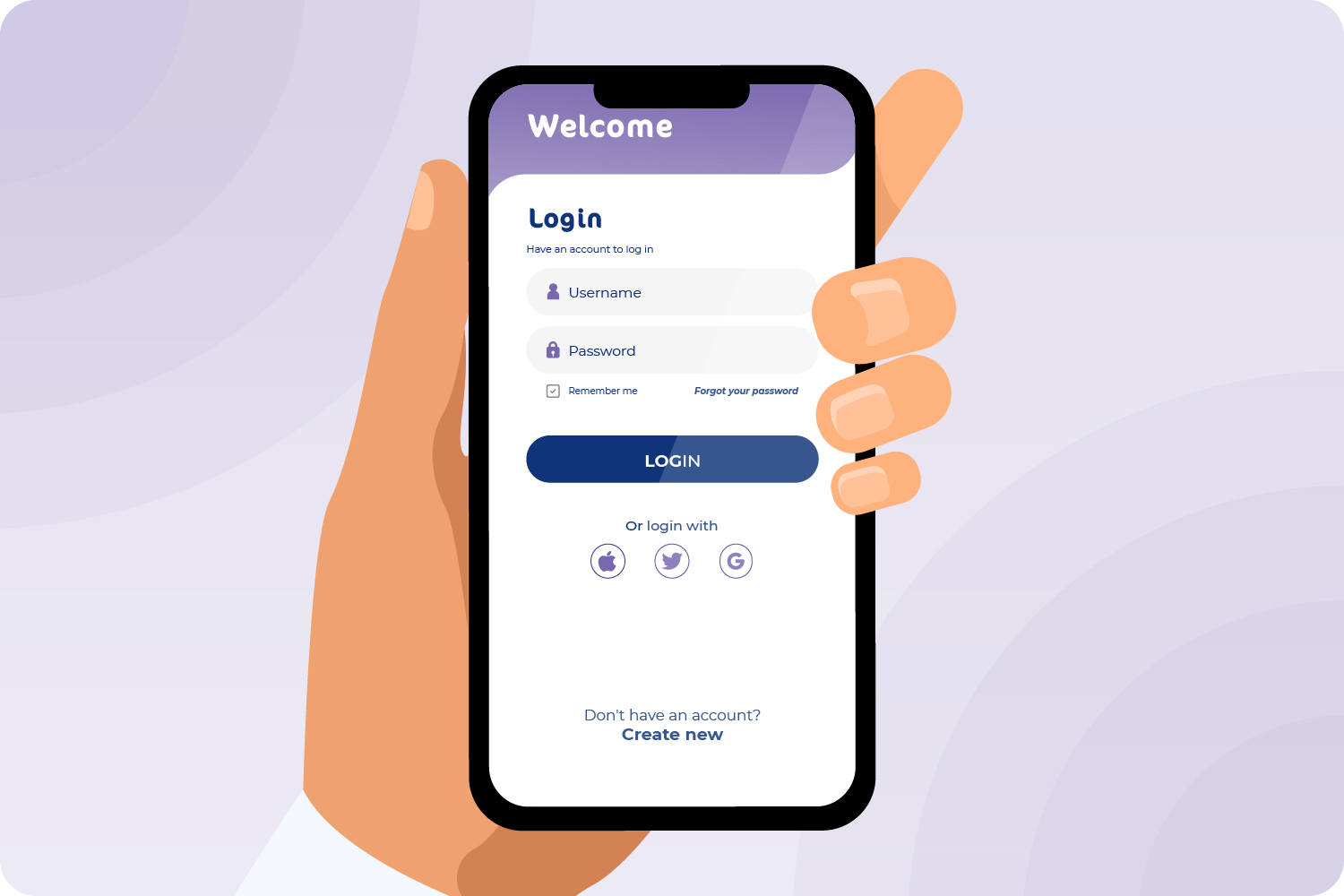
  • Create Your Free Account

    Sign up free for App account. One account for all devices.
    02

    image
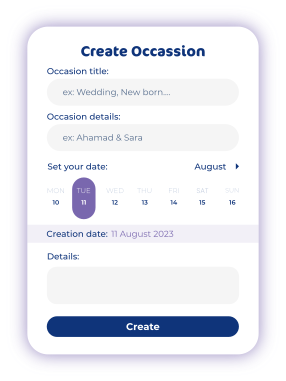
  • Create your Rifd List

    03

    image
  • Share with Family & Friends

    04

    image
  • It’s done, enjoy the app

    Have any questions check our FAQs

    Get most amazing app experience,Explore and share the app

    05

    image

Any inquiry? let's talk

Drop a message us

Fill out the form below, our team will get back soon.


FAQ - Frequently Asked Questions

1. Explore any online shopping store on your mobile browser.

2. Go to the product / item page of the store.

3. Tap the share icon & select RIFD application.

Select your RIFD list and then click on the share button, select whomever you want from your contacts via WhatsApp, Email ... etc.

No, you can create as many as you like.

You can explore our suggested stores in RIFD application.

Yes, you can. Once the recipients click on the shared link, it will lead to the RIFD website where they can download the app and sign-up to explore RIFD.

If you want to cancel your gift order, then you must contact the store from which the product was purchased. For more details,
Please visit: terms&conditions

You are not required to add any credit card inside your account. All gifts’ purchases are made through the online stores available within the RIFD App.

You can review the cancellation and refund policies of the store where you purchased the gift.